This page needs images of controls for the Wii
from the controller buttons category to make learning the controls easier. If a set of controller button images is available for this system, please add them. If a set of controller images isn't available, it might need to be brought up on StrategyWiki:Staff lounge.
This page needs images of controls for the Wii
from the controller buttons category to make learning the controls easier. If a set of controller button images is available for this system, please add them. If a set of controller images isn't available, it might need to be brought up on StrategyWiki:Staff lounge.
These controls are used while exploring the game's areas. To note, W will only work once you have gotten the Map System item. Additionally, ↓ is also the button you use to enter doors and initiate conversations. K also works.
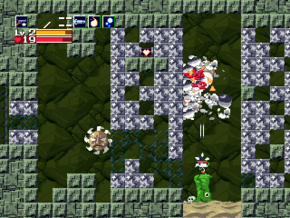
An example of when the action controls will be used.